



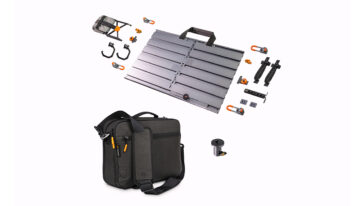

Olympus OM-D E-M1 Mark II Tethering Gear and Accessories
Options for the Olympus OM-D E-M1 Mark II
Tether Cables | Tethering Software | Power Management Learn the basics of tethering
USB-A Compatible Cable for the Olympus OM-D E-M1 Mark II
Up to 5 Gbps transfer speed
Replaces Olympus cable CB-USB11-
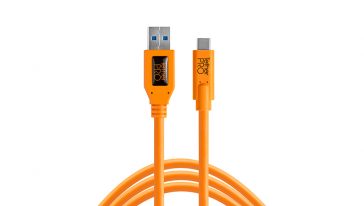
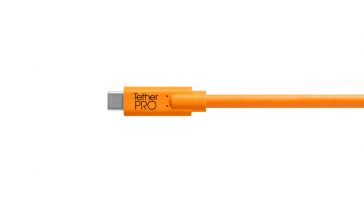
TetherPro USB 3.0 to USB-C
$49.99 Select options This product has multiple variants. The options may be chosen on the product page
Recommended Kits for the Olympus OM-D E-M1 Mark II
Olympus OM-D E-M1 Mark II Tethering Information
USB-C Camera: USB-C
USB Specification: USB 3.0
Transfer Speed: 5 Gbit/s
Power On/Off Options: NO*
*Do not use 5G cable
USB Specification: USB 3.0
Transfer Speed: 5 Gbit/s
Power On/Off Options: NO*
*Do not use 5G cable
HDMI: HDMI Micro (Type D)
Battery: BLH-1
Battery: BLH-1
Need additional help?
If you don't see your camera model or the information you're looking for, our dedicated Technical Support team is ready to assist. Contact us at technicalsupport@tethertools.com or +1 888-854-6565 for expert guidance, troubleshooting, and workflow support.Compatible Tethering Software for the Olympus OM-D E-M1 Mark II
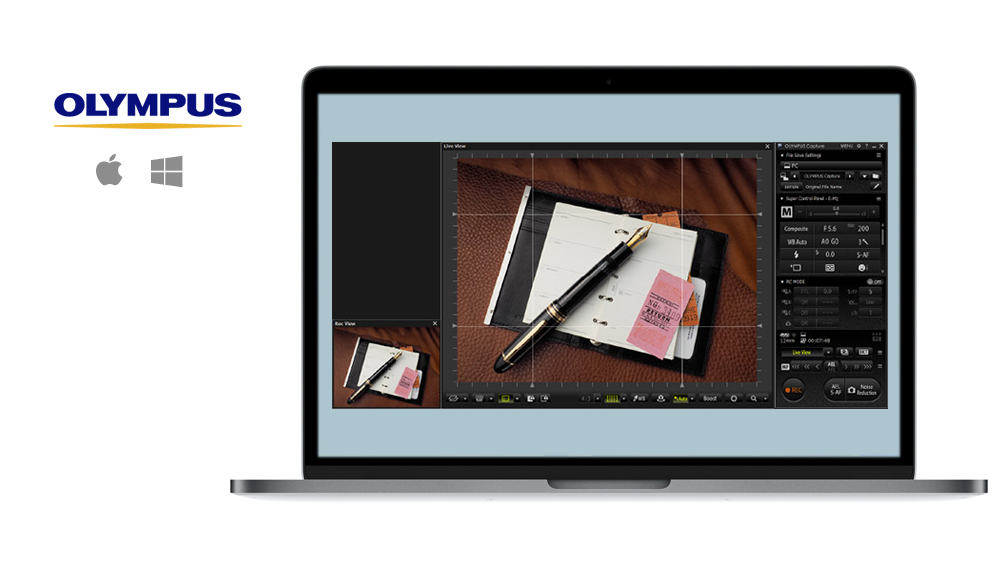
Compatible ONsite Relay Insert for the Olympus OM-D E-M1 Mark II - Currently Unavailable
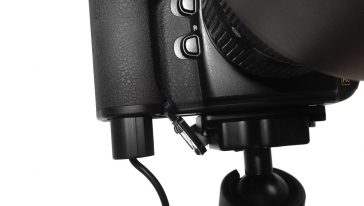
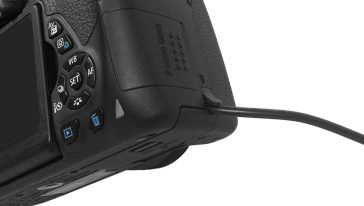
The battery door of the camera or battery grip must remain open. The camera will still operate correctly.-
 50% OFF
Relay Camera Coupler
50% OFF$0.00 - $54.99$0.00 - $34.99 Select options This product has multiple variants. The options may be chosen on the product page -
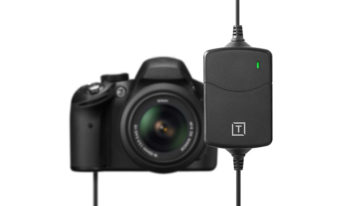 UP TO 58% OFF
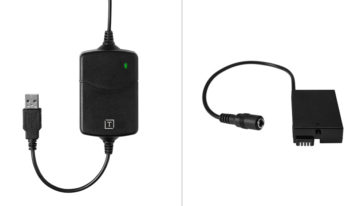
ONsite Relay A Coupler Bundle
UP TO 58% OFFOriginal price was: $119.99 – $154.98Price range: $119.99 through $154.98. Price range: $49.99 through $84.98Current price is: $49.99 – $84.98Price range: $49.99 through $84.98. Select options
